Skip to content







Brand Center
This page will help you apply our brandingto various documents easily and effectively. Here you will find the files you need to download, as well as instructions on how to apply our branding correctly to the most common types of documents. Our brandingis a visual representation of our strategyand aspirations as an educational institution. Please use it in whatever way you deem most appropriate, butalways do so with respect and good taste.
Our brand in various areas

University Studies: Undergraduate and Master's Programs


No-trespassing zone
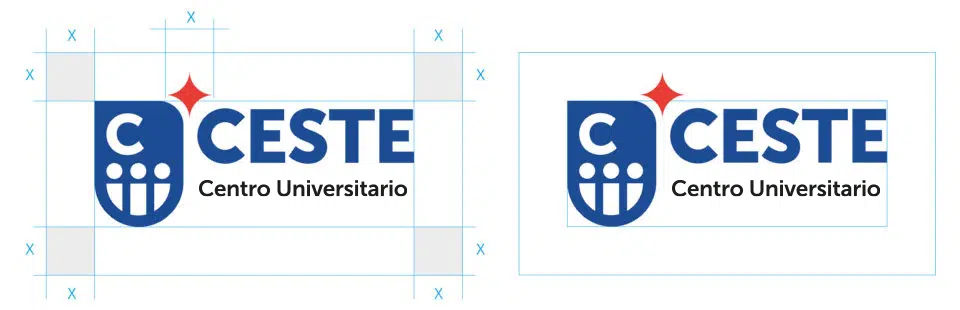
Brands need space to fully express their value. For this reason, please observe these minimum distances when applying the guidelines. It’s a very simple rule to follow, where the distance “x” corresponds to the width of the star.
Minimum size
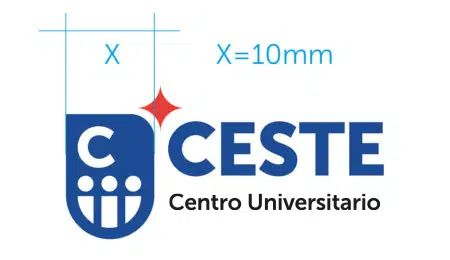
Logos also need to be a certain minimum size to ensure they are legible. Here’s a very simple rule of thumb: please make sure the logo is at least 1 cm wide.
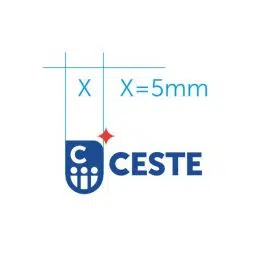
As a general rule, use the logo along with its accompanying text (tagline). Use the special version for limited space only in special cases. In such cases, the shield must be at least 0.5 cm wide.
Application for confined spaces
This special application is intended for use in confined spaces, such as the headers or footers of documents, where it is not possible to comply with the minimum size requirement for the institutional logo set forth in this document.


Special single-color applications
This special application is intended for use in confined spaces, such as the headers or footers of documents, where it is not possible to comply with the minimum size requirement for the institutional logo set forth in this document.






Corporate colors
These are CESTE’s corporate colors. You may use other colors in your documents and other applications if you wish, but if you are planning to create a communication piece that aligns with CESTE’s corporate identity, you should consider using them.
Blue CESTE
RGB 0/53/148 (#2d4081)
CMYK 100/75/0/6
Blue CESTE
RGB 0/53/148 (#c52339)
CMYK 100/75/0/6
Recommended PowerPoint add-in
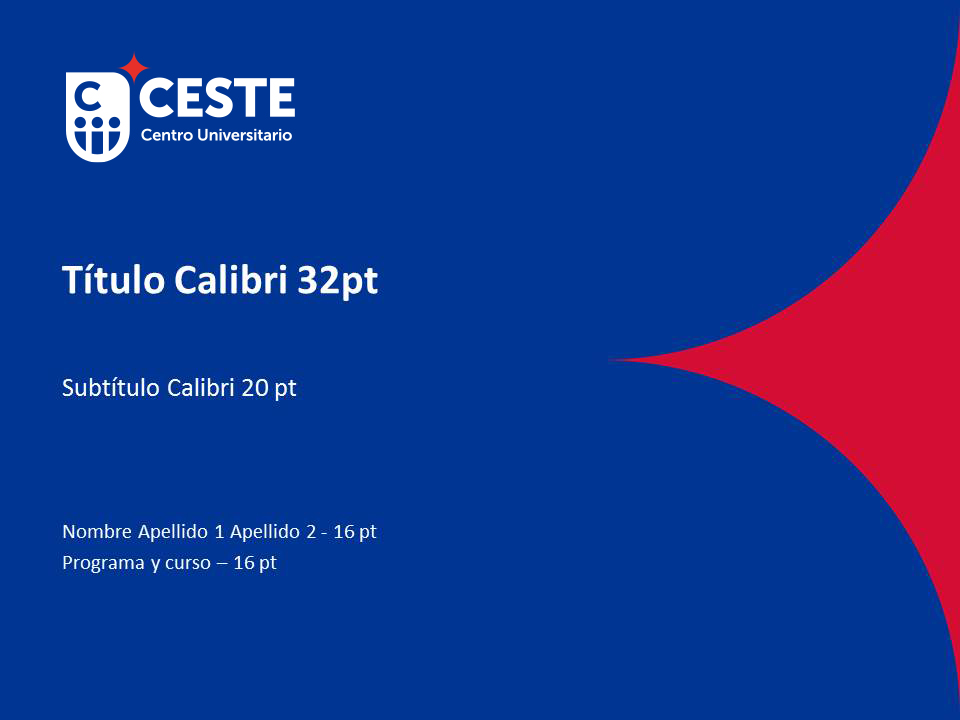
We offer several options for applying the CESTE brand identity to your PowerPoint presentations. The first option uses a slide template without images. The second option will help you apply the brand identity if you use a background image. Finally, in this section, we provide information on where you should include a second brand (co-branding) if you feel it is important to do so.
Home
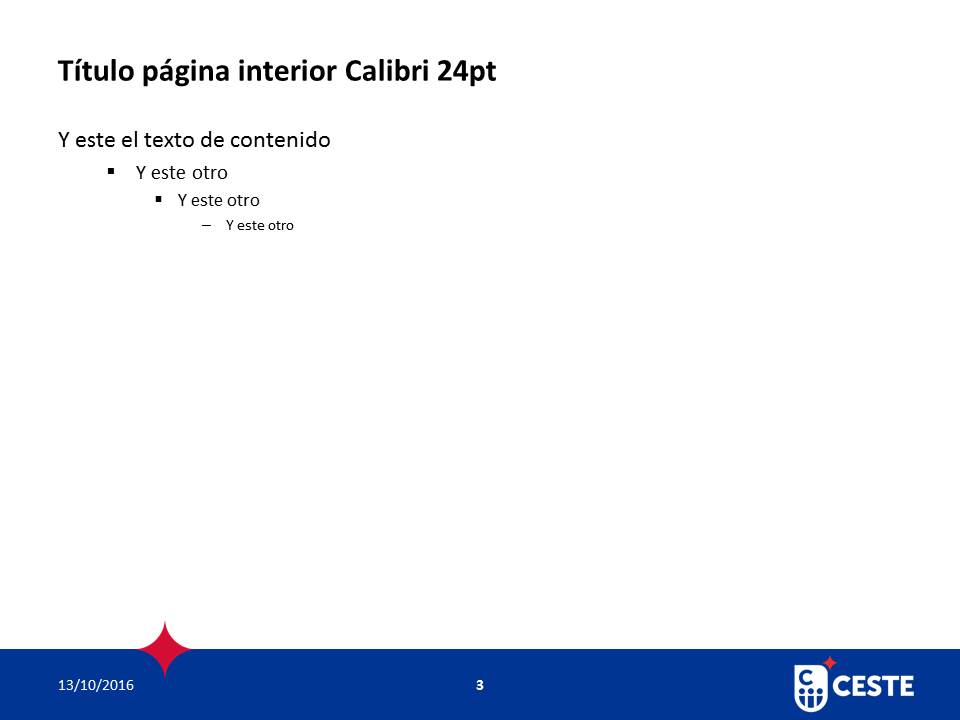
Interior
Closing
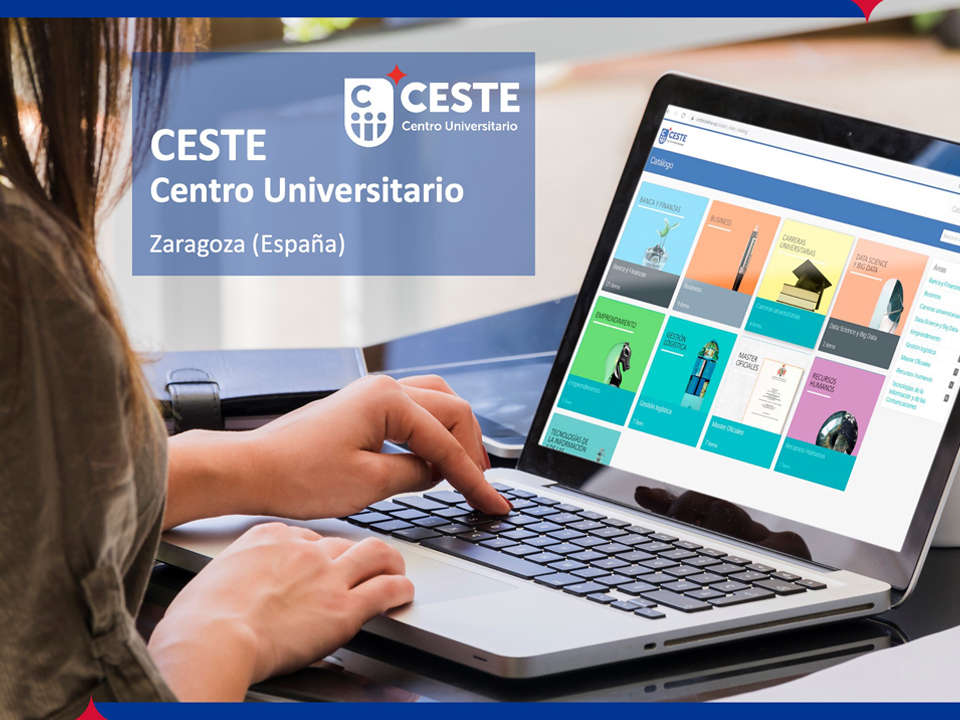
Home
Interior
Closing
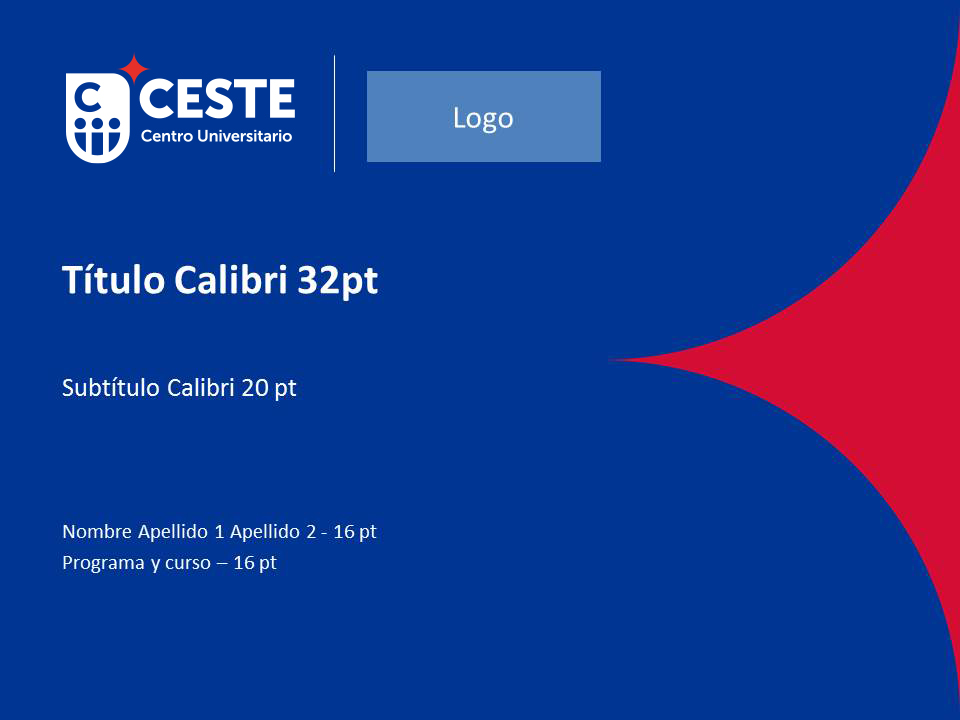
Co-branding as the first option
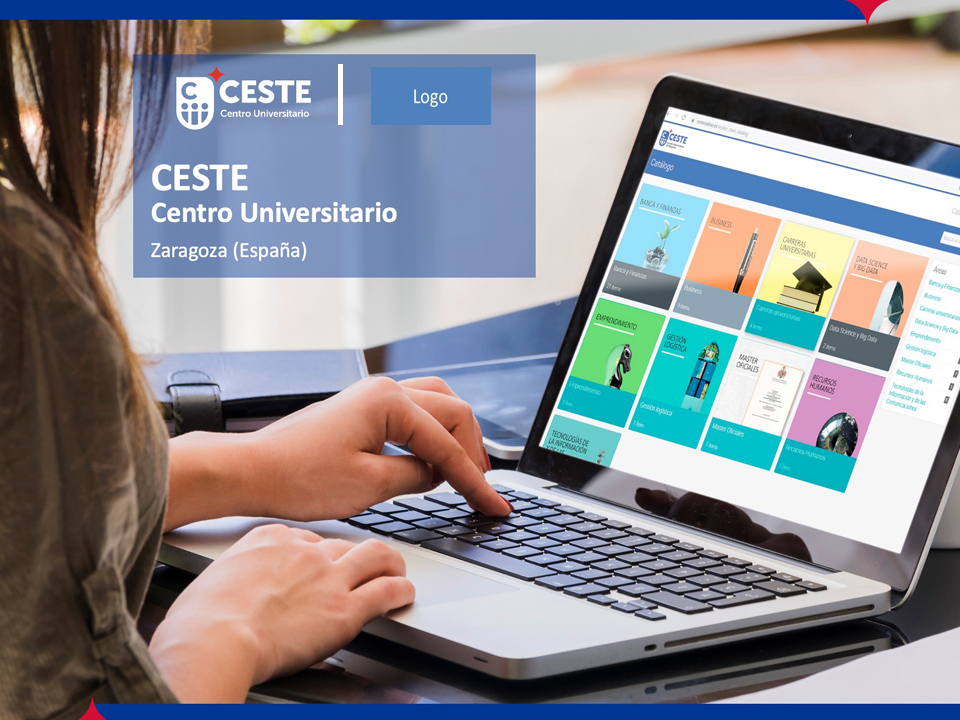
Co-branding as a secondary option
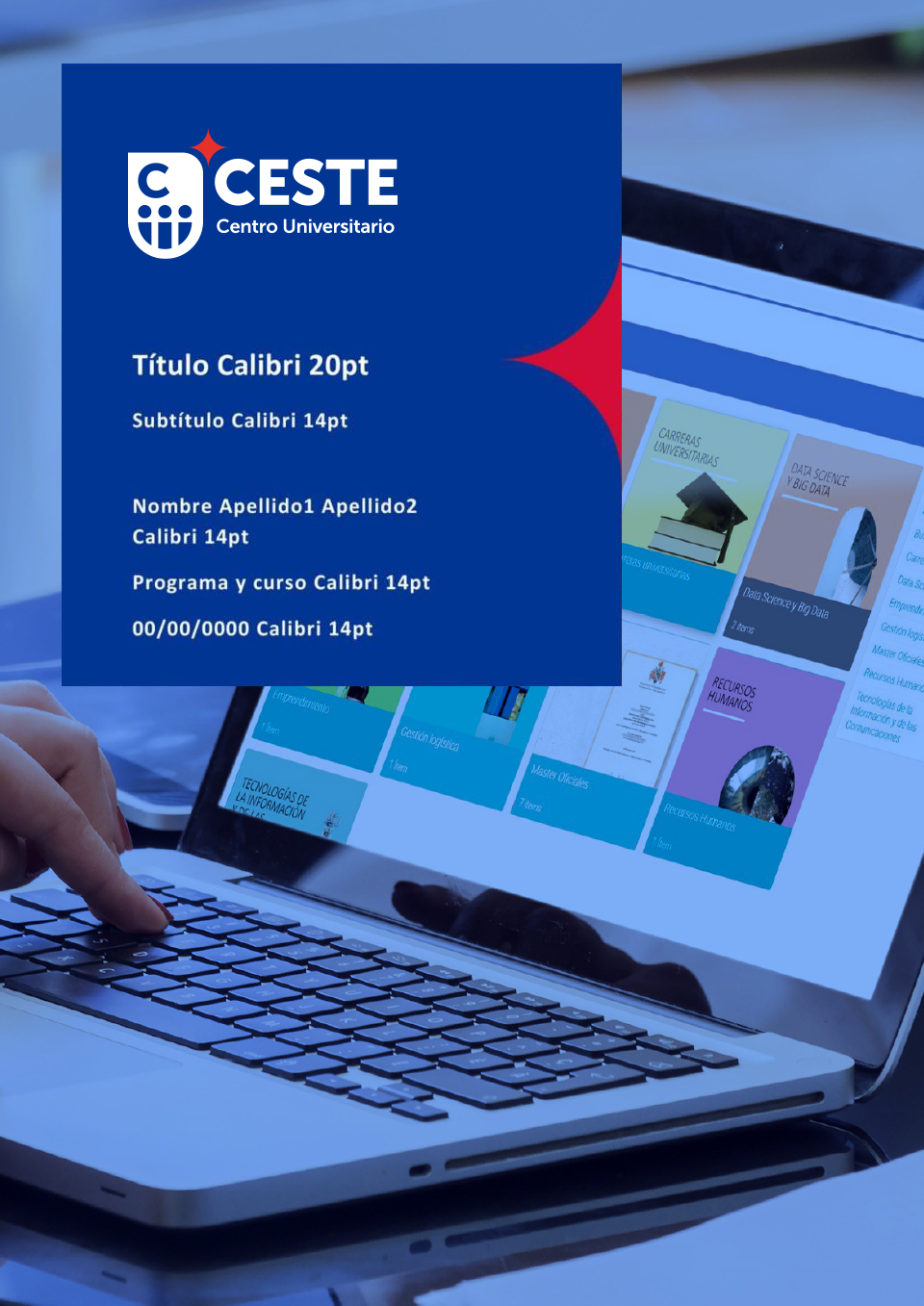
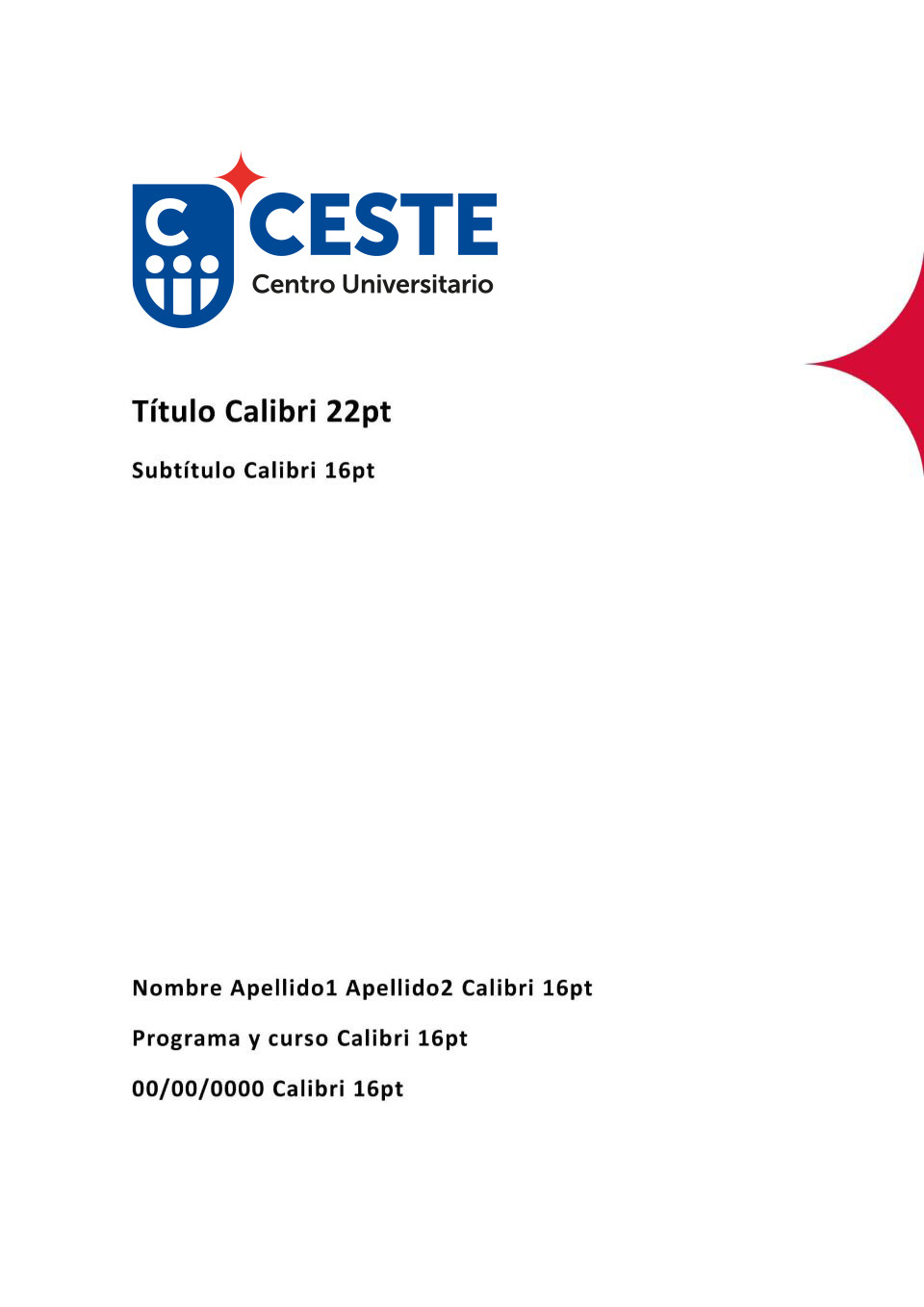
Recommended Word add-in
We offer several options for applying the CESTE brand identity to your Word documents. The first option uses a cover page without images. The second option will help you apply the brand identity if you use a background image.
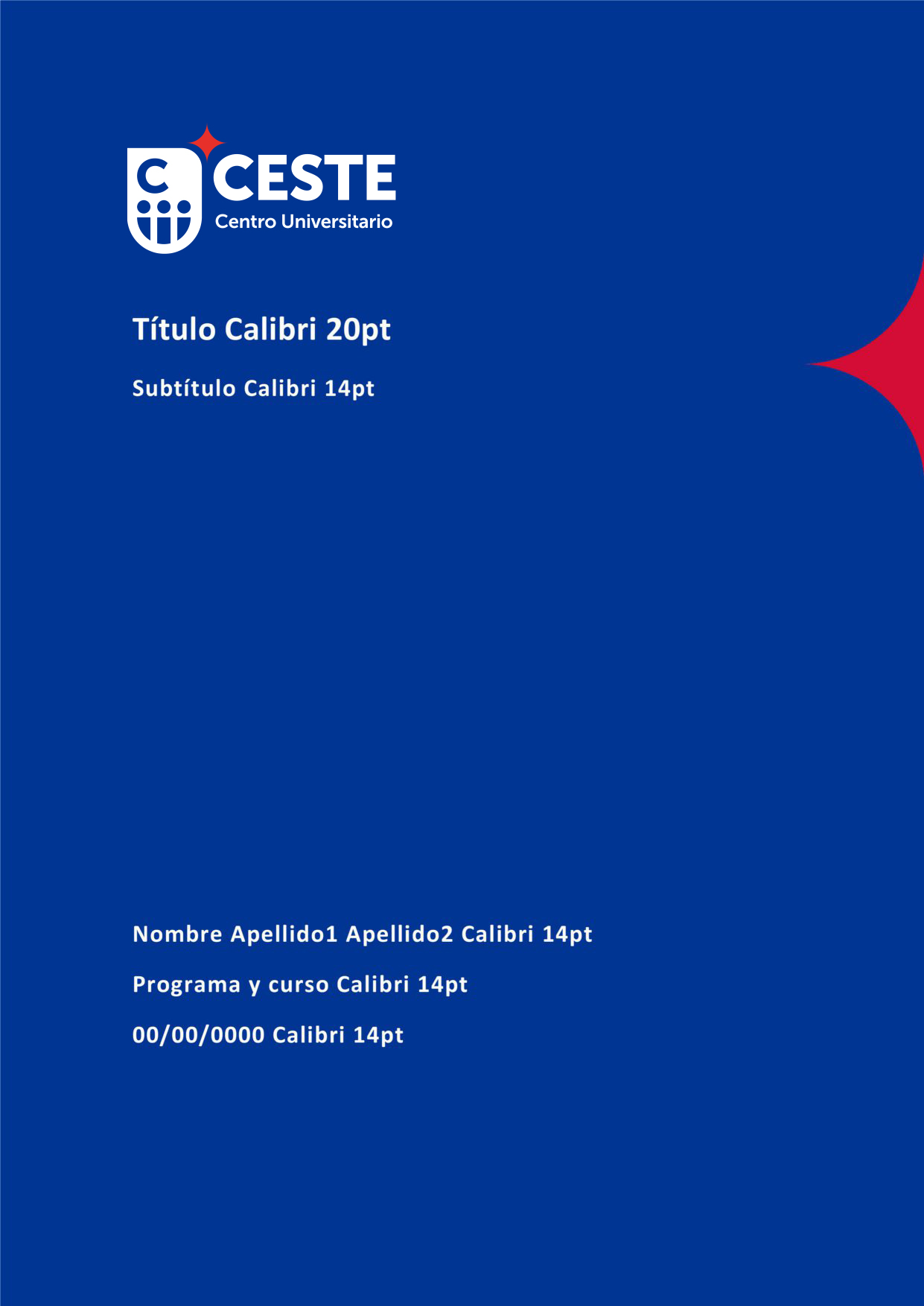
Home
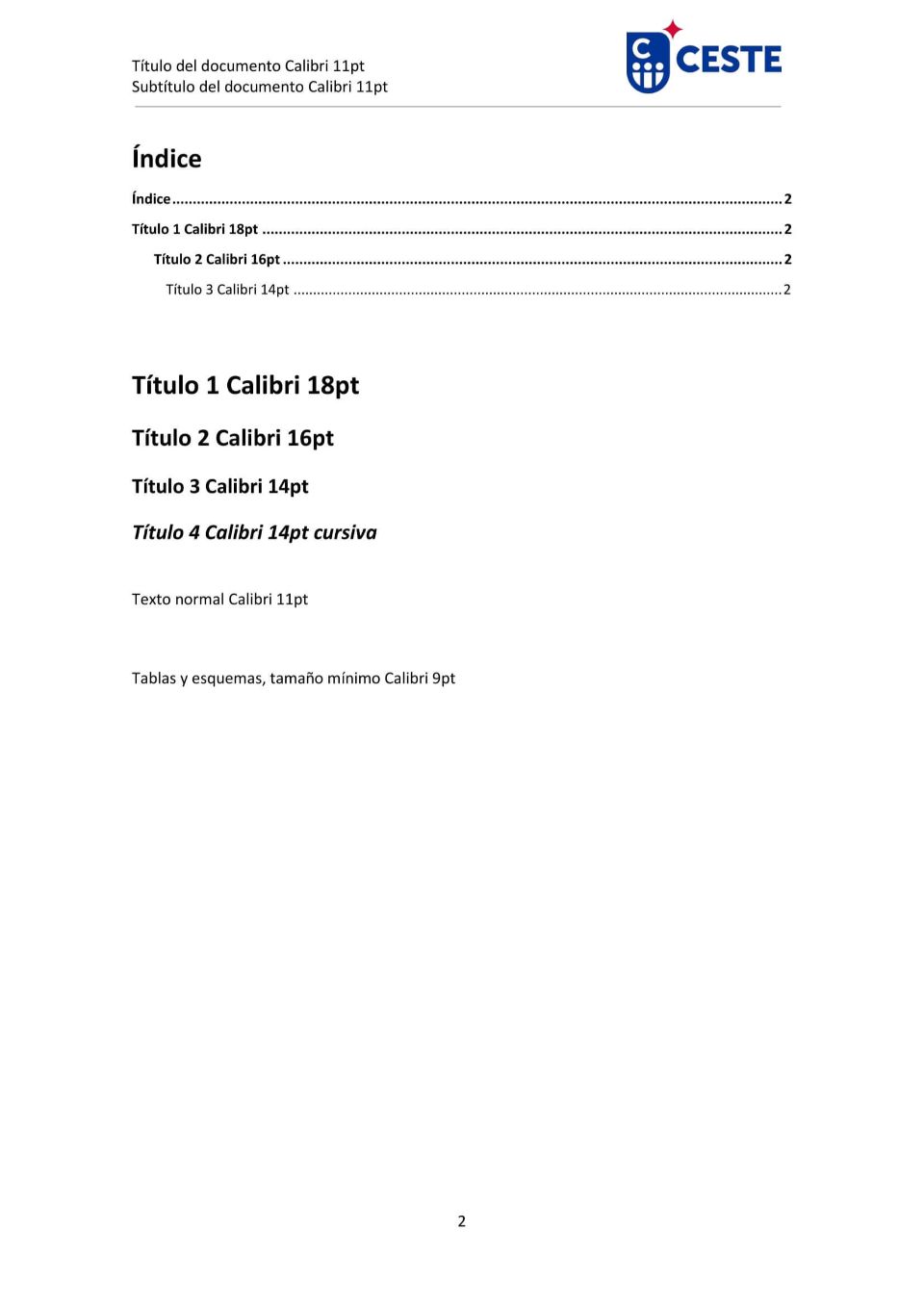
Interior
Closing
Home
Interior
Closing
Home
Interior

Closing
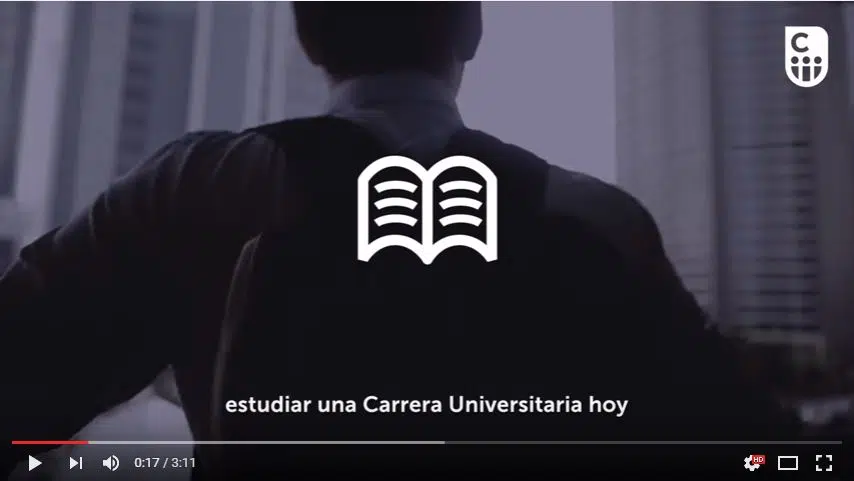
Watermark for videos
If you're creating a video, you should include CESTE's branding by using its logo. We've provided a transparent white template (watermark) to make it easier for you to complete the task.


Our diamond
The diamond featured in CESTE’s logo symbolizes our commitment to excellence. In this section, we provide this image for you to use in your documents.